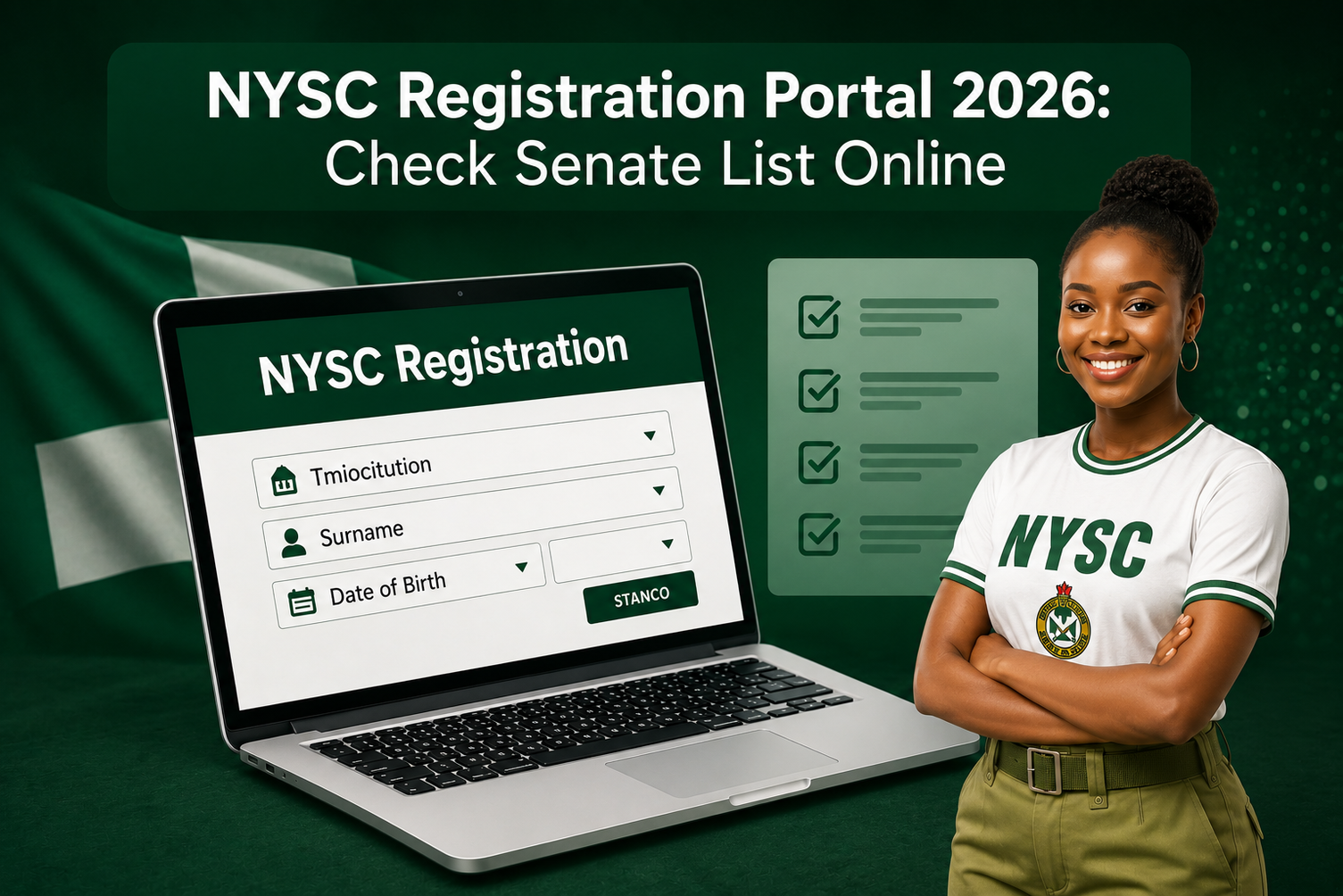
How to Check NYSC Senate List 2026: If you are preparing for NYSC mobilisation in 2026, one of the most useful things you can do before online registration is to check whether your name and details have been uploaded to the NYSC Senate/Academic Board approved list.
For locally trained Nigerian graduates, NYSC says only prospective corps members whose names appear on the Senate/Academic Board approved result lists submitted by their institutions will have access to online registration. The verification can be done through the NYSC portal before registration.
NYSC Senate List Status: The NYSC Senate List 2026 verification portal is currently available for prospective corps members to check their names and confirm their mobilisation status. If you are preparing for the NYSC programme, you can use the official NYSC Senate List portal to verify whether your institution has submitted your details and whether your name is available for mobilisation.
The verification is done online using your institution, matriculation number, surname and date of birth. NYSC states that locally trained graduates whose names appear on the Senate/Academic Board Approved Result List submitted by their institutions are the ones eligible to proceed with NYSC registration.
NYSC Senate List 2026: Latest Update
This guide explains how the Senate List works, how to check your name, what “No Record Found” means, what to do when your institution has not uploaded your details, the difference between the Senate List and graduation list, and what you should prepare before NYSC registration begins.
What Is the NYSC Senate List?
The NYSC Senate List is part of the mobilisation process through which Corps Producing Institutions submit their approved graduate records to NYSC.
NYSC’s Corps Mobilization Department is responsible for coordinating the mobilisation of eligible Nigerian graduates and for receiving and vetting Senate/Academic Board approved result lists submitted by institutions.
For a locally trained graduate, appearing on the approved list submitted by the institution is important because NYSC states that only candidates whose names appear on that list will have access to online registration.
In simple terms, the process generally works like this:
Institution prepares approved records → NYSC receives and vets the records → eligible prospective corps members verify their details → online registration begins according to the mobilisation timetable.
This is why checking your status early can save you from unnecessary problems later.
Why You Should Check Your NYSC Senate List Status
Senate List verification is not simply another NYSC formality.
It gives you an opportunity to discover whether your institution has submitted your record and whether the information associated with your mobilisation record is correct.
Before registration, you should pay attention to details such as:
- Your name
- Institution
- Matriculation number
- Date of birth
- JAMB number where applicable
- Other mobilisation information displayed by the NYSC system
NYSC specifically advises locally trained prospective corps members to use the correct matriculation number during registration.
Finding an error early is better than discovering it after you have already started registration.
How to Check the NYSC Senate List 2026
The NYSC FAQ directs Nigerian-trained graduates to the official Senate List verification page on the NYSC portal.
Step 1: Open the official NYSC website
Start from the official NYSC website:
NYSC also lists its official portal addresses as nysc.gov.ng, nysc.org.ng and portal.nysc.org.ng.
Avoid using links sent to you by strangers on WhatsApp, Telegram or social media when you can access the service through NYSC’s official website.
Step 2: Open the Senate List verification service
Look for the Senate/Academic Board approved list verification option provided through the NYSC portal.
NYSC’s official FAQ specifically directs locally trained graduates to its Senate List verification page before registration.
Step 3: Select your institution
Choose your institution from the available options.
Make sure you select the correct institution, particularly if several institutions have similar names.
Step 4: Enter your matriculation number
Enter your matriculation number exactly as it appears in your school records.
NYSC specifically states that locally trained prospective corps members should use the correct matriculation number.
Step 5: Enter the requested personal information
Depending on the verification page presented to you, provide the required details, such as your surname and date of birth.
Use the information contained in your official school records.
Step 6: Submit the search
Submit the form to check your record.
If your institution has submitted your approved record and the information has been processed, your mobilisation information should be displayed by the system.
What Does It Mean If Your Name Appears?
If your record appears on the Senate/Academic Board approved list, that is an important indication that your institution has submitted your record for NYSC mobilisation.
For locally trained graduates, NYSC says candidates whose names appear on the approved lists submitted by their institutions can access online registration.
However, Senate List verification should not be confused with completing the entire NYSC registration process.
You still need to follow the official mobilisation timetable and complete online registration when registration opens for your batch.
What If Your Name Is Not on the NYSC Senate List?
Don’t panic immediately.
A missing record can have different explanations, including the possibility that your institution has not completed or submitted the relevant approved list.
NYSC itself tells candidates to contact their institution when their name is not found on the Senate List.
Your first step should therefore be to contact the appropriate office in your institution.
Depending on the school, this may include the:
- NYSC mobilisation unit
- Student Affairs Division
- Academic Affairs office
- Relevant examination or records office
Ask whether your approved result/mobilisation information has been submitted to NYSC.
Check Your Details Again
Before assuming that your institution has failed to upload your record, check the information you entered.
Pay particular attention to:
- Matriculation number
- Surname
- Date of birth
- Institution
- JAMB number where applicable
A mismatch can affect verification.
If Your School Says the Upload Has Been Completed
If your institution confirms that your record has already been submitted but you still cannot find it, ask the institution’s NYSC mobilisation officials to investigate the issue.
NYSC’s official FAQ specifically directs candidates with a name-not-found issue to their institution.
Don’t pay an unofficial agent simply because someone claims they can “upload your name” or “fix the Senate List” for you.
Why Does NYSC Show “No Record Found”?
The message can be frustrating, especially when other graduates from your institution have already found their names.
Possible reasons include:
Your institution has not completed its submission
The institution may still be processing or submitting its approved records.
Your details are not matching the record
An incorrect matriculation number or other personal information can affect the search.
Your record is still being processed
NYSC’s mobilisation process involves submission, vetting and screening of data from Corps Producing Institutions.
Your institution needs to correct or clarify your record
If your school confirms that your information should already be available but it is not appearing, contact the institution’s mobilisation officials for clarification.
The important thing is not to assume immediately that you have been excluded from NYSC simply because the first search produces no result.
What to Do If Your Name Is Missing
Use this simple approach:
1. Check your information again.
Make sure the details you entered match your school records.
2. Contact your institution.
Ask the NYSC mobilisation unit or relevant school office whether your approved record has been submitted.
3. Find out whether corrections are required.
If your institution identifies an error, follow its instructions for correcting the record.
4. Recheck the NYSC portal after the issue has been addressed.
Avoid repeatedly submitting random information simply to make the search produce a result.
5. Use official NYSC support channels when necessary.
NYSC publishes dedicated support lines for mobilisation-related issues on its official website.
NYSC Senate List vs Graduation List: Are They the Same?
No.
Although the two are connected, they serve different purposes.
Graduation List
A graduation list is generally used by an institution to identify students who have successfully completed their academic programme.
Senate/Academic Board Approved Result List
For NYSC mobilisation, institutions submit approved records to NYSC for vetting and processing.
NYSC explains that its Mobilisation Division receives Senate/Academic Board approved result lists from Corps Producing Institutions and vets the uploaded data of prospective corps members.
This is why being listed as a graduate by your institution does not mean you should ignore the NYSC verification stage.
Can You Register for NYSC Without Appearing on the Senate List?
For locally trained graduates, NYSC states that only those whose names appear on the Senate/Academic Board approved result lists submitted by their institutions will have access to online registration.
So if your name is missing, the appropriate action is to resolve the issue with your institution rather than looking for an unofficial way around the system.
What You Need Before NYSC Online Registration
Don’t wait until the registration portal becomes busy before preparing.
NYSC’s official registration requirements include having:
- A functional email address
- A Nigerian GSM telephone number
- The correct matriculation number for locally trained graduates
- A suitable passport photograph
- Other documents or information required by the registration process
NYSC also warns candidates not to register by proxy and provides specific requirements for passport photographs.
Keep Your Email and Phone Number Active
The email address and phone number used during registration are important because NYSC uses them as part of the registration and subsequent account access process. NYSC advises prospective corps members to keep their login details safe.
Prepare a Proper Passport Photograph
NYSC’s registration requirements state that the face should be fully visible and the passport photograph should have a white or off-white background without a shadow.
Don’t Give Your Login Details to Someone You Don’t Trust
If another person is assisting you with registration, make sure you understand what information is being entered and keep control of your account credentials.
NYSC also states that biometric capture should not be done by proxy.
What Happens After Senate List Verification?
Senate List verification is only one part of the wider mobilisation process.
NYSC’s mobilisation information shows that institutions submit approved records, NYSC vets the data, and eligible prospective corps members subsequently register online according to the official mobilisation timetable.
After successful registration, the process can progress to deployment and call-up.
NYSC explains that a successful registration process generates a call-up number and, for candidates who subscribe to online printing, a Call-up Letter that can be printed online. Candidates who do not subscribe can collect their call-up letters through their institutions.
This is why it is better to think of Senate List verification as an early checkpoint in the mobilisation journey, rather than the final stage.
NYSC Registration Portal 2026
The official NYSC website provides access to the Scheme’s mobilisation and registration services.
Use:
NYSC official website: https://www.nysc.gov.ng/
NYSC portal: https://portal.nysc.org.ng/
NYSC itself lists these domains among its official website addresses.
For security, always check the domain before entering personal information.
Masterjob.com.ng provides information and guidance about NYSC processes. It is not the official NYSC website.
NYSC Mobilisation Timetable
NYSC publishes mobilisation timetables on its official website.
The timetable sets out important activities such as registration, deployment and call-up-letter printing. For example, the official timetable currently available on the NYSC website includes a 2026 Batch A Stream II mobilisation schedule and notes that the dates are tentative.
Because mobilisation dates can change, prospective corps members should check the latest timetable rather than relying on an old date copied from another website.
Is NYSC Registration First Come, First Served?
No.
Registering early is useful because it gives you time to identify and correct problems, but candidates should not interpret registration as a race in which the first people to submit automatically receive the best deployment.
NYSC’s mobilisation process involves eligibility, approved institutional records, registration, deployment and other administrative stages.
The better reason to register early is to give yourself enough time to deal with errors before the relevant deadline.
Common NYSC Senate List Mistakes to Avoid
Using the wrong matriculation number
NYSC specifically tells locally trained graduates to use the correct matriculation number.
Waiting until registration opens before checking
If there is a problem with your school record, discovering it early gives you more time to contact the institution.
Assuming a missing record means you are permanently excluded
A “No Record Found” result should first be investigated with your institution.
Paying unofficial agents
Nobody should ask you to pay them personally to guarantee NYSC mobilisation.
Using fake NYSC websites
Always verify that you are using the official NYSC domain before submitting personal information.
How to Stay Updated on NYSC Mobilisation
The safest approach is to monitor the official NYSC website and its published mobilisation information.
NYSC provides:
- Mobilisation timetables
- Registration requirements
- Registration services
- Support lines
- State secretariat information
- Other mobilisation guidance
on its official website.
You can also use Masterjob’s NYSC updates to understand what a new announcement means, but always verify important dates and instructions against NYSC before taking action.
Frequently Asked Questions
How do I check my name on the NYSC Senate List?
Visit the official NYSC portal and use the Senate/Academic Board approved list verification service. NYSC specifically directs locally trained graduates to verify their details before registration.
What does “No Record Found” mean on the NYSC Senate List?
It means the system did not find a matching record based on the information entered. Your institution may still be processing its submission, or there may be an issue with the information provided. Contact your institution’s NYSC mobilisation office for clarification.
Can I register for NYSC if my name is not on the Senate List?
For locally trained graduates, NYSC says only candidates whose names appear on the Senate/Academic Board approved result lists submitted by their institutions will have access to online registration.
What should I do if my name is missing?
First verify the information you entered. If it is correct, contact your institution’s NYSC mobilisation unit and ask whether your approved record has been submitted or whether a correction is required. NYSC specifically directs candidates with names not found on the Senate List to contact their institution.
Is the Senate List the same as the graduation list?
No. The two are related but serve different purposes. NYSC receives Senate/Academic Board approved result lists from institutions as part of its mobilisation process.
Can I check the NYSC Senate List with my phone?
Yes. The verification service can be accessed through the NYSC online portal using a phone, tablet or computer with an internet connection.
What should I prepare before NYSC registration?
Keep your functional email address and Nigerian phone number ready, confirm your matriculation number, prepare a suitable passport photograph and keep the information and documents required for registration available. NYSC publishes its registration requirements on its official website.
Where is the official NYSC portal?
The NYSC website is nysc.gov.ng, while the Scheme’s online services are available through portal.nysc.org.ng. NYSC lists these domains among its official website addresses.
Final Advice for Prospective Corps Members
Checking the NYSC Senate List is one of the most useful things a prospective corps member can do before online registration.
If your name appears, you have completed an important verification step. If it does not, don’t immediately assume that your mobilisation is over. Check your details, contact your institution and find out whether your approved record has been submitted or requires correction.
The bigger lesson is simple: don’t wait for the registration portal to open before preparing.
Confirm your institutional records, keep your contact details active, prepare your documents and follow the official mobilisation timetable.
When NYSC publishes new instructions for your mobilisation batch, use those instructions as the final authority because dates, procedures and requirements can change from one exercise to another.
Editorial Information
Written by: Masterjob Editorial Team
Last updated: August 18th, 2026
Fact-checking: NYSC registration requirements, Senate List guidance, mobilisation procedures and official portal information were checked against NYSC’s published resources.
Also Read:
NYSC Camp Registration Requirements 2026: Complete Documents List for Batch B & C PCMs
NYSC Call-Up Letter Printing 2026: Step-by-Step Guide For Batch B PCMs
NERD Registration Portal 2026: Requirements, CBT Centres & NYSC Clearance Step-by-Step (Full Guide)
TVET 2026 Second Phase Portal Now Open: Requirements & How to Apply Step-by-Step
I wish to know if school have mobilize my name for NYSC.