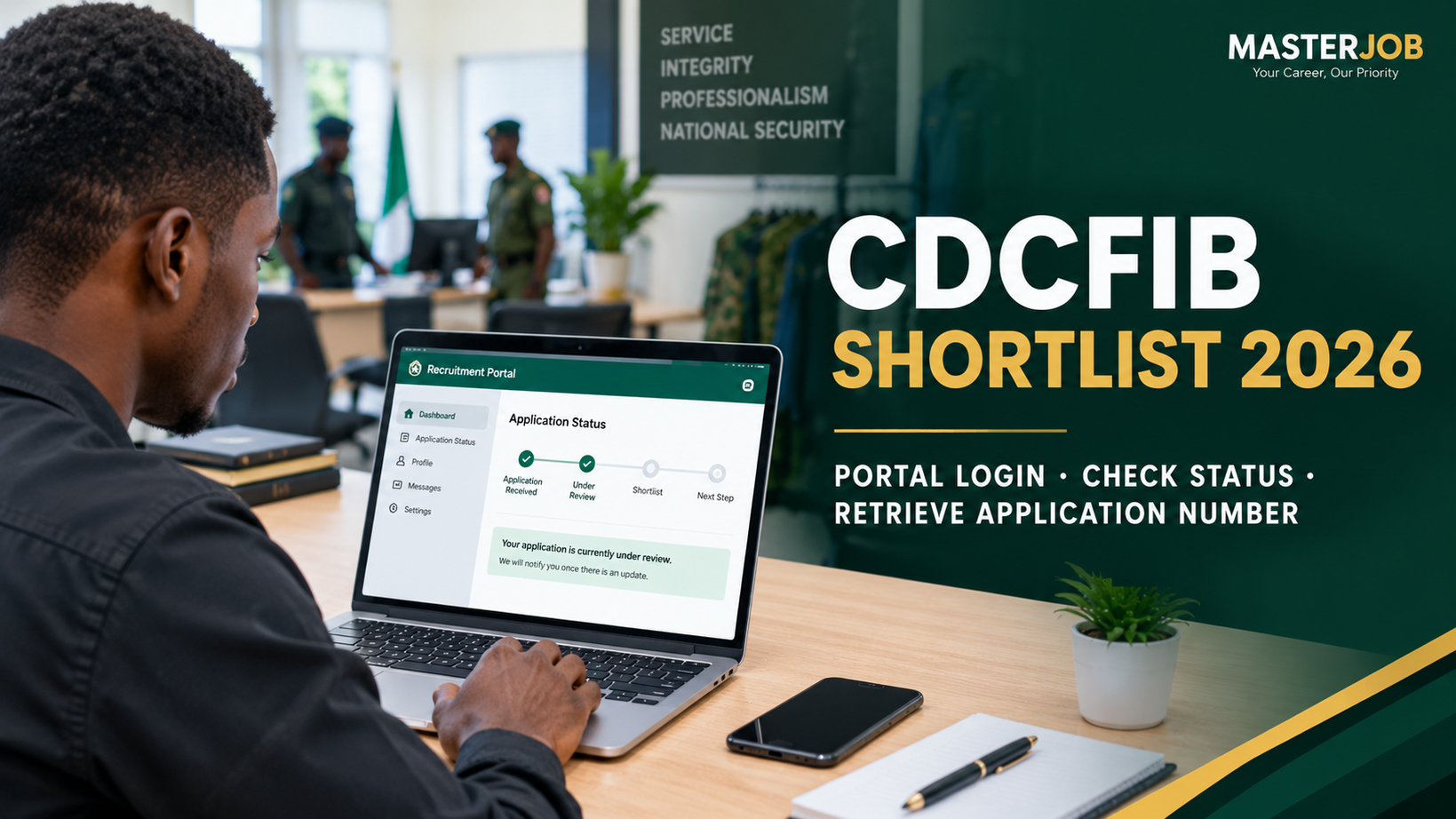
CDCFIB Invitation Letter 2026: Candidates who took part in the Civil Defence, Correctional, Fire and Immigration Services Board (CDCFIB) recruitment exercise may be looking for information about the invitation letter, appointment letter and how to check their recruitment status online.
The Board previously directed successful candidates who reached the oral interview stage to check the official recruitment portal for their interview details and print their invitation letters. The instruction covered applicants for the Nigeria Security and Civil Defence Corps (NSCDC), Nigeria Immigration Service (NIS), Nigerian Correctional Service (NCoS) and Federal Fire Service (FFS).
The important thing is to use the official CDCFIB recruitment portal and not rely on screenshots, WhatsApp messages or unofficial links.
Is the CDCFIB Invitation Letter 2026 Out?
The CDCFIB recruitment process has passed through several stages, including screening and the oral interview stage.
In September 2026, shortlisted candidates were directed to check the recruitment portal for their oral interview information. Those selected for the interview were required to choose a suitable venue, date and time and print their invitation letters.
The Board later announced that the printing of invitation letters for appointment for successful candidates who participated in the oral interview would run from October 1 to October 5, 2026. Candidates were directed to check the official recruitment portal for their status and further information.
However, applicants should understand the difference between an invitation letter and a final appointment. An invitation or recruitment-stage letter should not automatically be treated as proof of final employment.
The official recruitment portal currently displays a notice that the 2024/2025 CDCFIB recruitment exercise has concluded and advises applicants to watch for further details.
How to Check Your CDCFIB Invitation Letter 2026
If your applicant account is still providing access to your recruitment information, use the official CDCFIB portal to check your status.
Step 1: Visit the official CDCFIB recruitment portal
Go to:
Make sure you are using the correct government recruitment website. Avoid clicking on links sent by unknown people through WhatsApp, Facebook, Telegram or private messages.
Step 2: Log in to your applicant account
Use the login details connected to your CDCFIB recruitment application.
If you have forgotten your password, use the recovery option provided on the official portal rather than asking another person to access your account. The portal provides a password-recovery page for applicants.
Step 3: Check your recruitment status
After logging in, check the information available on your applicant dashboard.
If CDCFIB has provided a document or instruction for your application, read the information carefully before taking any further action.
Step 4: Look for your invitation or appointment information
If an official letter is available for your account, follow the instructions displayed on the portal.
Do not assume that every PDF or screenshot circulating online is an official CDCFIB document.
Step 5: Save and print the official document
Where the portal provides a document for your application, save it securely and print it if CDCFIB requires a printed copy.
It is advisable to keep both a printed copy and an electronic copy for your records.
How to Print the CDCFIB Invitation Letter
Candidates who are instructed to print an invitation letter should do so directly from their applicant account.
The general process is:
- Visit the official CDCFIB recruitment portal.
- Log in to your applicant account.
- Open your recruitment status or relevant applicant section.
- Locate the available invitation letter.
- Open the document and check your details.
- Use the print option to produce a clear copy.
- Keep the printed letter safely.
Before printing, check important details such as your name, interview information, venue, date, time and any instructions attached to the document.
If any information appears incorrect, do not edit the document yourself. Follow the official instructions provided by CDCFIB.
CDCFIB Appointment Letter 2026
The term appointment letter is important because it can be confused with an invitation letter.
An invitation letter is normally connected to a particular stage of the recruitment process. For example, CDCFIB previously instructed shortlisted candidates to select an oral interview venue, date and time and print their invitation letters.
An appointment letter, on the other hand, relates to an official appointment or employment decision.
Therefore, being invited to an interview does not by itself mean that you have been finally employed.
Candidates should wait for an official CDCFIB communication before treating an appointment as final.
How to Download Your CDCFIB Appointment Letter 2026
If CDCFIB provides an appointment document through the official applicant portal, candidates should use the download or print option available on their dashboard.
The process should be simple:
- Open the official CDCFIB recruitment portal.
- Log in with your applicant details.
- Check your current recruitment status.
- Look for any official appointment or recruitment document provided to your account.
- Open the document.
- Download or print it using the option provided.
- Read all instructions carefully.
Do not download an alleged appointment letter from a random website simply because the document is being shared on social media.
A PDF file is not proof that it came from CDCFIB.
What If Your Invitation Letter Is Not Showing?
If you cannot see an invitation or appointment document, do not immediately conclude that you have been rejected.
There can be different reasons why an applicant may not see a document, including:
- The document is not available for that applicant.
- The relevant recruitment stage has ended.
- The portal is no longer displaying the previous recruitment information.
- The candidate has not reached the stage connected to the document.
- There is a temporary problem with the portal.
- The applicant is checking through an unofficial website.
The safest approach is to check the official CDCFIB portal and follow any new instruction issued by the Board.
Do not pay someone who claims they can make a missing letter appear on your dashboard.
Does CDCFIB Send Invitation Letters by Email?
Applicants should be careful with emails claiming to be from CDCFIB.
During the oral-interview stage, the Board specifically told candidates to obtain their recruitment information through the official portal and stated that it would not send emails for that stage.
For this reason, applicants should not depend on an email, WhatsApp message or social-media post as proof that an appointment has been granted.
Always verify recruitment information through the official CDCFIB channel.
What Happens After the CDCFIB Invitation?
The next step depends on the stage of the recruitment process and the instruction contained in the official document.
For candidates who were invited for the oral interview, CDCFIB required them to follow the venue, date, time and dress-code instructions stated in their invitation.
For candidates who have already completed the oral interview, the next communication may relate to the outcome of the recruitment process and further instructions.
Applicants should therefore avoid relying on unofficial claims about training dates, deployment, resumption or appointment until CDCFIB provides confirmation.
Invitation Letter vs Appointment Letter
These two terms should not be used as though they mean exactly the same thing.
| Document | What it generally means |
|---|---|
| Shortlist notification | You have progressed to a particular recruitment stage. |
| Invitation letter | You have been invited to attend a specified recruitment activity or stage. |
| Appointment letter | An official employment appointment has been issued. |
This distinction is important because applicants sometimes see the word “appointment” in a recruitment update and immediately assume that everyone mentioned has been employed.
That should not be assumed without an official appointment communication.
Be Careful With Fake CDCFIB Appointment Letters
Recruitment applicants are often targeted by people who claim they can provide appointment letters, secure jobs or change recruitment results.
Do not pay anyone who promises to:
- Put your name on the list
- Produce an appointment letter
- Change your recruitment status
- Secure a training slot
- Guarantee deployment
- Influence CDCFIB officials
- Provide a secret recruitment link
CDCFIB has stated that its recruitment process is free of charge and warned applicants against individuals or groups demanding payment for employment.
Also, do not publish your NIN, password or other private application information on Facebook, WhatsApp groups or public forums.
What Is the Official CDCFIB Recruitment Portal 2026?
The official recruitment portal used for the exercise is:
recruitment.cdcfib.gov.ng
Applicants should use the official portal for recruitment information rather than relying on third-party websites.
At the time of this update, the portal displays a notice saying that the 2024/2025 CDCFIB recruitment exercise has concluded.
This means applicants should be careful with new claims about reopening, fresh appointment lists or new recruitment stages unless they are officially confirmed.
Frequently Asked Questions
Is CDCFIB Invitation Letter 2026 out?
CDCFIB previously made invitation letters available to candidates who progressed to the oral interview stage. The Board also announced a later period for printing invitation letters for appointment from October 1 to October 5, 2026. Applicants should rely on their official applicant account and CDCFIB announcements for their individual status.
How do I check my CDCFIB invitation letter?
Visit the official recruitment portal at recruitment.cdcfib.gov.ng and check your applicant account for available recruitment information or documents.
Can I download my CDCFIB appointment letter?
If CDCFIB makes an official appointment document available through your applicant account, use the download or print option provided on the portal.
Does an invitation letter mean I have been employed?
Not necessarily. An invitation letter can relate to an interview or another recruitment stage. Candidates should wait for an official appointment communication before treating the recruitment as final employment.
What if my CDCFIB letter is not showing?
Check the official portal again and follow the latest instruction provided by CDCFIB. Do not pay an agent to obtain a letter for you.
Is CDCFIB recruitment free?
Yes. CDCFIB has stated that the recruitment process is free and warned applicants against paying individuals or groups in exchange for employment.
Should I trust a CDCFIB appointment letter shared on WhatsApp?
No. A document shared on WhatsApp is not automatically genuine. Verify the information through the official CDCFIB recruitment portal.
How can I check the CDCFIB shortlist 2026?
You can check your CDCFIB recruitment status through the official recruitment portal. Log in with the details you used during your application and look for any available shortlist, invitation or recruitment-status information on your dashboard.
If the portal does not show a new list or document, avoid relying on screenshots or unofficial lists shared on social media.
Is the Immigration shortlist 2026 out?
The Nigeria Immigration Service (NIS) is one of the services under the CDCFIB recruitment process. Applicants should not assume that an Immigration shortlist is available simply because a list is circulating online.
Check the official CDCFIB recruitment portal and official NIS/Board announcements for confirmation before treating any Immigration shortlist as genuine.
Which day is the Immigration screening?
The screening or other recruitment activity date depends on the official schedule issued for the particular recruitment stage. Applicants should check their official invitation or applicant dashboard for their assigned date, venue and time.
Do not rely on a date shared in a WhatsApp group or Facebook post unless it can be confirmed through an official source.
How do I write an appointment letter in Word?
If you are an employer or organisation preparing a genuine employment appointment letter, you can create one in Microsoft Word using a simple format.
Include the organisation’s name and contact details, the employee’s name, position, appointment date, terms of employment, salary where applicable, working conditions and any other relevant instructions. The letter should be issued and signed by an authorised person.
Applicants should not create their own appointment letter and present it as a CDCFIB-issued document. An official recruitment appointment letter must come from the relevant government authority.
Final Advice for CDCFIB Applicants
The safest way to follow the CDCFIB recruitment process is to check your information through the official portal and read the instructions attached to your application carefully.
Do not allow pressure from social media to make you pay money or submit your personal information to an unknown person.
If an invitation or appointment document is officially available for your application, follow the instructions on the document and keep a copy for your records.
For any new recruitment update, always check whether it has been confirmed by CDCFIB before treating it as official.
Related Articles:
CDCFIB Shortlist Portal 2026: Portal Login & How to Check CDCFIB Shortlist Step by Step
CDCFIB Shortlisted Candidates 2026: Oral Interview Date & Portal
CDCFIB Recruitment 2026: Final Shortlist, Four-Week Update and What Applicants Should Expect
FRSC Recruitment Shortlist 2026 Batch B: Second Batch For ND, NCE, SSCE & OND
FRSC Shortlisted Candidates 2026: HND & Degree List, NCE, ND & SSCE Update
NPF Shortlisted Candidates 2026: Nigeria Police Shortlist PDF, Final List & Training Date
Nigerian Navy Recruitment 2026/2027: Application Form, Requirements, Portal & How to Apply
EFCC Recruitment Portal 2026/2027: Application Form, Requirements & How to Apply