NECO e-Verify Portal 2026: How to Verify NECO Result Online Step-by-Step
If a school, employer, scholarship provider, government agency or another organisation asks you to verify your NECO result, you do not necessarily need to visit a NECO office.
The National Examinations Council (NECO) provides an online result verification and confirmation platform called NECO e-Verify. The service allows individuals to verify their results and generate a verification report that can be used for institutional purposes.
The process is different from simply checking your NECO result. With e-Verify, the purpose is to confirm the result against NECO’s records and generate an official verification report.
In this guide, you will learn how the NECO e-Verify portal works, what you need before starting, how to create an account, how to make payment, how to submit your result for verification, how to obtain the report, and what to do when an institution needs your verification token.
How to Use NECO e-Verify Portal to Verify Results Online 2026/2027
Official NECO e-Verify Portal: https://everify.neco.gov.ng/
The official NECO platform currently provides individual verification, institutional verification, bulk verification and token-transfer options.
What Is NECO e-Verify?
NECO e-Verify is the National Examinations Council’s online system for result verification and confirmation.
According to the official platform, an individual can use the service to verify their result or generate a verification report for institutional purposes. Schools and other institutions can also use the system to verify candidates’ results.
This makes e-Verify different from the normal NECO result-checking website.
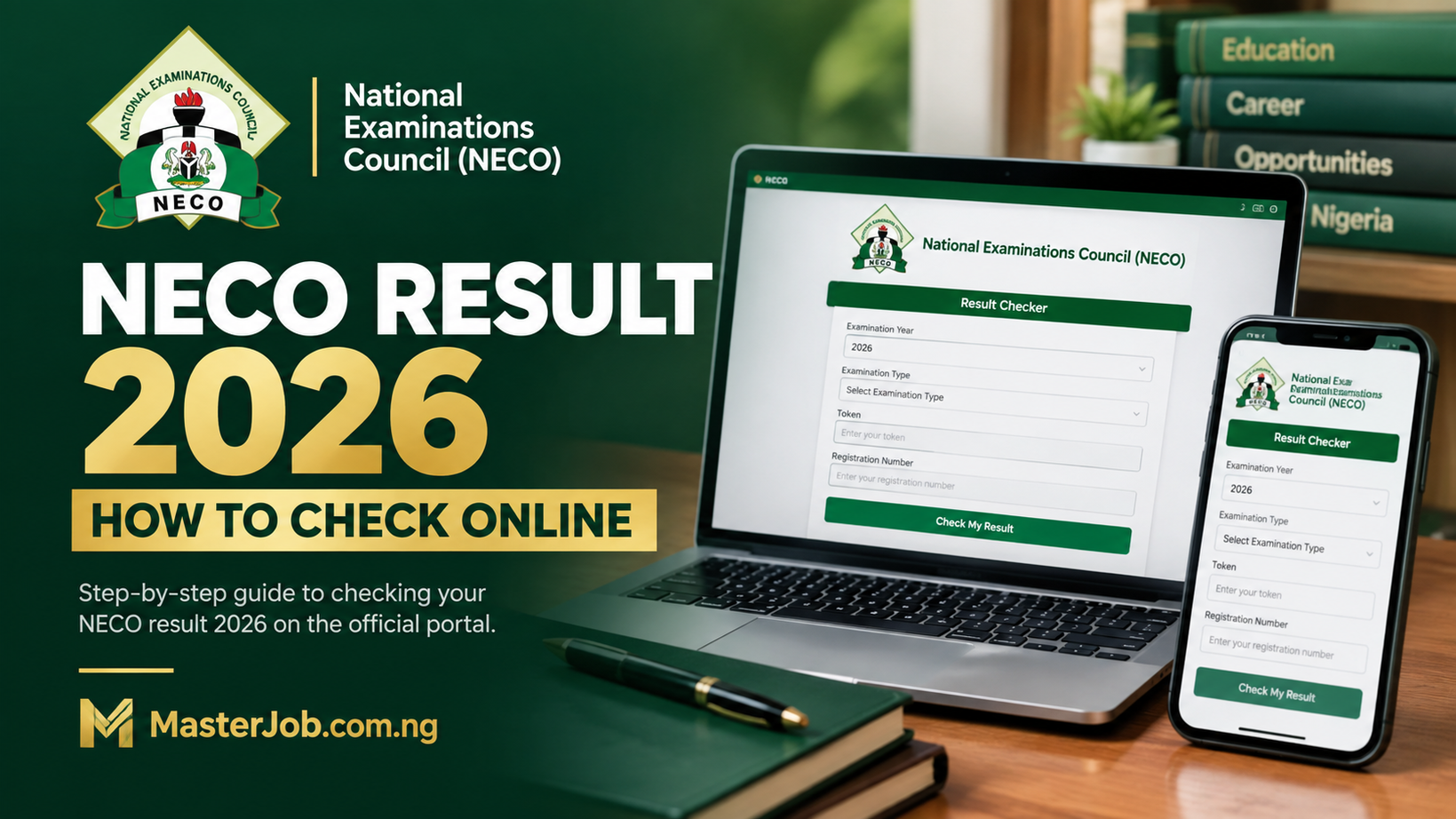
For example, a candidate who simply wants to see their grades may use the normal NECO Results Portal. That portal asks for the examination year, examination type, result-checking token and registration number.
NECO e-Verify, on the other hand, is designed for verification and confirmation of academic records.
Official NECO e-Verify Portal
Candidates should use the official NECO website below:
Avoid giving your examination details, payment information or login credentials to websites claiming to be NECO verification agents unless you have independently confirmed that they are authorised.
NECO Result Checking and Result Verification Are Not the Same
This is one of the most important things to understand before paying for verification.
Result checking allows a candidate to access their examination grades.
Result verification is used to confirm an examination record and, where required, generate a verification report for an institution or organisation.
| Result Checking | Result Verification |
|---|---|
| Used mainly to view your grades | Used to confirm your academic record |
| Candidate checks the result | Result is verified against NECO records |
| Uses the NECO Results Portal | Uses the NECO e-Verify platform |
| Useful when you want to see your performance | Useful when an institution requests verification |
| Does not serve the same purpose as a verification report | Can generate a verification report |
The official NECO Results Portal and e-Verify platform are therefore separate services.
Do You Actually Need to Verify Your NECO Result?
Not every candidate needs to pay for result verification.
If you only want to know whether you passed an examination or want to see your subject grades, you normally need the NECO result-checking service, not e-Verify.
Verification becomes relevant when an organisation specifically asks you to provide evidence that your NECO result is authentic or requests a verification report.
This can happen during processes such as:
- University or tertiary institution documentation
- Employment screening
- Scholarship applications
- Professional applications
- International education applications
- Other official documentation processes
Before paying for verification, check the instructions given by the organisation requesting your result.
If they only ask you to provide your NECO result, a verification request may not be necessary. If they specifically request NECO verification, result confirmation or a verification report, the e-Verify system is the relevant service.
What You Need to Verify a NECO Result Online
Before starting, have the following information available:
- Your NECO examination number
- Examination year
- Examination type
- Your correct personal information
- An active email address
- A phone number where required
- Internet access
- A means of making the required payment
You should also have access to the email account you use during registration because the NECO platform uses email verification and sends the verification report to the recipient email supplied during the process.
How to Verify NECO Result Online Using e-Verify Portal 2026/2027
The current NECO platform provides a specific workflow for individual verification.
Step 1: Visit the Official NECO e-Verify Portal
Go to:
On the official page, look for the Individual Login option.
NECO’s platform identifies individual verification as the service for people who want to verify their own result or generate a verification report for institutional purposes.
Step 2: Create an Account
If you have not previously registered, select the registration option and provide the information requested by NECO.
Use an email address that you can access because the platform uses email verification.
Do not create several accounts simply because you encounter a problem during registration. First check your email, including the spam or junk folder, for the verification message.
Step 3: Verify Your Registration
NECO’s e-Verify system provides an account-verification process.
After registration, check your email for the verification code and enter it where required.
The official platform specifically instructs users to check their email and enter the verification code before proceeding with the account.
Step 4: Log In to Your Account
After successfully verifying your registration, return to the e-Verify portal and log in with your account details.
Make sure you are using the individual verification section if you are verifying your own result.
Step 5: Purchase a Verification Token
After logging in, the official NECO instructions say to generate a payment token by selecting “Purchase Token.”
The platform then directs the user to make the required payment through its payment gateway, Remita.
The amount payable can depend on the service/request shown on the official platform. For that reason, check the amount displayed by NECO at the time you make your application rather than relying on an old figure published on another website.
Step 6: Complete the Remita Payment
Follow the payment instructions provided by the NECO platform.
After payment, keep your payment information or Remita Retrieval Reference (RRR) until the verification process is completed.
This is particularly important because the RRR can also be used in the token-transfer process when an institution needs to verify your result through the NECO system.
Step 7: Validate Your Token Payment
Payment alone does not complete the verification application.
Return to your NECO e-Verify account and select:
“Validate Token Payment.”
The official NECO instructions specifically list payment validation as a step before submitting the verification application.
Step 8: Click “Submit Application”
After your payment has been successfully validated, proceed to “Submit Application.”
This is where you provide the examination information required to identify the result you want NECO to verify.
Step 9: Enter and Validate Your Examination Number
Enter your NECO examination number in the appropriate field.
Check the number carefully before submitting it.
A simple mistake in the examination number can prevent the system from finding the correct record.
If the examination number is accepted, continue with the application and submit the verification request.
Step 10: View Your NECO Verification Report
After the application has been submitted, NECO says that a PDF verification report is generated.
You can access it from your dashboard using the “View Report” link.
The official system also says that the report is mailed to the recipient email address provided during the application.
This is an important difference from simply checking your result online.
You are not just looking at your grades; you are generating a verification report through NECO’s verification system.
How to Give Your NECO Verification to an Institution
This is another part that candidates often misunderstand.
NECO’s e-Verify system supports a token-transfer process for institutions that have integrated with the NECO verification system.
According to NECO, a candidate can:
- Log in to the e-Verify platform.
- Purchase the verification token.
- Complete payment through Remita.
- Validate the payment.
- Provide the Remita Retrieval Reference (RRR) to the institution.
The institution can then use the candidate’s token for verification where the institution supports the relevant NECO e-Verify arrangement.
NECO also provides another option for institutions that have given a Reference Code. In that situation, the candidate can submit the application to the institution by entering the institution’s reference code in the appropriate Ref No field.
This means you should follow the specific instructions given by the school, employer or organisation requesting your verification rather than assuming that every institution uses exactly the same procedure.
Which NECO Results Can Be Verified Online?
The official NECO verification system provides some important information about the examination records available on the platform.
According to the current system:
- SSCE Internal: Results are available from 2000
- SSCE External: Results are available from 2002
- Passport information: Available from 2019
- State of Origin and Date of Birth: Available from 2019
NECO also states that a passport photograph not being available does not invalidate the verification report.
This is particularly useful for candidates with older results who may be worried because certain information does not appear on their verification report.
What Information Appears on a NECO Verification Report?
The exact information available can depend on the examination record and the information stored by NECO.
The verification system can be used to confirm the candidate’s examination record, while NECO specifically notes that some information, such as passport, State of Origin and Date of Birth, has different availability periods.
For example, NECO says that:
Passport information is only available from 2019.
It also says State of Origin and Date of Birth information is only available from 2019.
Therefore, if an older result does not contain some of these details, that does not automatically mean that the result is fake or invalid.
Does NECO e-Verify Work for International Applications?
Yes.
NECO describes its e-Verify solution as being available to individuals, organisations, universities and tertiary institutions within and outside Nigeria. The platform also states that it supports both local and international payment.
However, candidates applying outside Nigeria should follow the exact documentation requirements of the foreign university, employer, embassy or organisation involved.
A foreign institution may have additional requirements beyond NECO result verification.
How Much Does NECO Result Verification Cost?
NECO’s e-Verify platform requires payment for the verification service, with the payment process handled through the platform and Remita.
Rather than relying on an old amount published by blogs or social-media posts, candidates should check the current amount displayed inside the official NECO e-Verify system when starting the verification request.
This is especially important because service charges and payment arrangements can change.
Why Is My NECO Result Not Showing?
There are several possible reasons why a result may not appear when you attempt verification.
1. You entered the wrong examination number
Check every digit of the examination number against your original NECO examination document.
2. You selected the wrong examination information
Make sure you are using the correct examination year and examination type.
3. The record is outside the available verification range
NECO states that its system currently has SSCE Internal results from 2000 and SSCE External results from 2002.
4. The information you expect is not available for that year
For example, NECO says passport information is only available from 2019. State of Origin and Date of Birth are also only available from 2019.
5. There is a technical or account problem
If your information is correct but you still cannot proceed, use the official NECO support contacts rather than paying another person to “fix” the result.
The current e-Verify portal publishes support telephone numbers and an email address for the service.
What If My NECO Payment Has Been Made but Is Not Showing?
Do not immediately make another payment.
First, check your payment information and return to your e-Verify account.
The official workflow specifically includes “Validate Token Payment” after payment.
If your payment has already been processed, attempting another payment without confirming the first transaction could result in unnecessary expense.
Keep your Remita information and contact NECO support if the payment cannot be validated.
Can You Verify a NECO Result Without Visiting a NECO Office?
The purpose of NECO e-Verify is to provide online result verification.
The official platform allows individuals to create an account, make payment, submit their examination details and receive a PDF verification report through the online system.
Therefore, when your situation is covered by the online service, you can begin the verification process remotely rather than automatically travelling to a NECO office.
How to Avoid Fake NECO Verification Websites
Because NECO results contain sensitive academic information, candidates should be careful about websites claiming to offer verification services.
Before entering your:
- Examination number
- Email address
- Password
- Payment information
- RRR
- Personal information
check that you are using the official NECO domain.
The official e-Verify address is:
The normal NECO result-checking website is separate:
The distinction is important because result checking and result verification are different services.
A Mistake to Avoid: Paying for Verification When You Only Need to Check Your Result
This deserves special attention.
A candidate may search Google for “NECO result verification” when what they actually want is to see their examination grades.
If your goal is simply to check your result, the official NECO Results Portal provides a separate service where you select the examination year and type, enter your token and registration number, and check the result.
If a university, employer or another organisation specifically asks for verification or a verification report, then use NECO e-Verify.
Knowing this difference can save you from paying for a service you did not need.
Questions Candidates Ask About NECO e-Verify
Can I verify my NECO result online?
Yes. NECO provides an online e-Verify platform for individual result verification and generation of verification reports for institutional purposes.
What is the official NECO e-Verify portal?
The official NECO e-Verify website is https://everify.neco.gov.ng/.
Always check the domain before entering your personal or payment information.
Is NECO e-Verify the same as the NECO result checker?
No. The two services have different purposes.
The NECO Results Portal is used to check examination results, while e-Verify is used to verify or confirm results and generate verification reports.
How do I get my NECO verification report?
Create and verify your e-Verify account, log in, purchase and validate your verification token, submit the required examination information and complete the application.
NECO says a PDF report is generated after the application is submitted. It can be viewed from the dashboard and is also sent to the recipient email provided.
Can an institution verify my NECO result?
Yes. NECO provides institutional verification services, including single and bulk verification. Institutions can also integrate their systems with the NECO e-Verify API.
Can I send my NECO verification to a school?
Yes, depending on the school’s verification arrangement.
NECO provides a token-transfer option through which candidates can give the institution their Remita Retrieval Reference (RRR) after making and validating payment. Institutions that use the relevant NECO e-Verify system can then verify the candidate’s result.
Why is my passport not appearing on my NECO verification report?
NECO states that passport information is only available from 2019 and that passport information is not available on every report.
Importantly, NECO says the absence of a passport does not invalidate the verification report.
Can an old NECO result be verified?
The current NECO verification system states that SSCE Internal results are available from 2000, while SSCE External results are available from 2002.
If your examination falls outside the available records, contact NECO for guidance rather than assuming that the result is invalid.
Can I verify my NECO result for an organisation outside Nigeria?
Yes. NECO says its e-Verify solution supports verification for organisations and tertiary institutions within and outside Nigeria and supports international payment.
However, check whether the organisation has additional document requirements.
What should I do if my NECO payment is not validated?
Check your transaction information first and use the Validate Token Payment option provided inside the e-Verify platform.
Do not immediately pay again if you are unsure whether the first payment succeeded.
If the issue remains unresolved, contact NECO through the support details published on the official e-Verify platform.
Final Advice Before You Start NECO Verification
NECO result verification is not the same thing as checking your examination grades.
If you only need to see your result, use the official NECO Results Portal. If an institution specifically requires result verification or an official verification report, use NECO e-Verify.
Most importantly, use the official NECO platform, enter your examination details carefully, keep your Remita information after payment, and save the verification report once it becomes available.
The current NECO e-Verify system generates a PDF report after a successful application and sends a soft copy to the recipient email supplied during the process.
Official NECO Links
NECO e-Verify Portal: https://everify.neco.gov.ng/
NECO Result Checker:
NECO Official Website: https://results.neco.gov.ng/
Author: Kelechi Daniel
Last Updated: September 2026
Related Articles:
Buy NECO Token 2026: Price & How to Buy NECO Result Checker Token Online (Easy Steps)
Buy NECO Scratch Card 2026 Online: Price & Easy WhatsApp Purchase Steps
WAEC Result Checker 2026: How to Check WAEC Result Online, by Phone & SMS
JAMB O& Level Result Upload 2026: How to Upload WAEC, NECO or NABTEB Result on JAMB CAPs
How to Check NECO Result 2026 Online: Result Checker Portal, Token & Step-by-Step Guide
WAEC GCE Timetable 2026 Second Series
NECO GCE Timetable 2026/2027: PDF, Full Exam Schedule, Dates, Subjects & Time
Hello there, You have done an incredible job. I’ll certainly digg it
and personally suggest to my friends. I’m confident they will be benefited from this website.