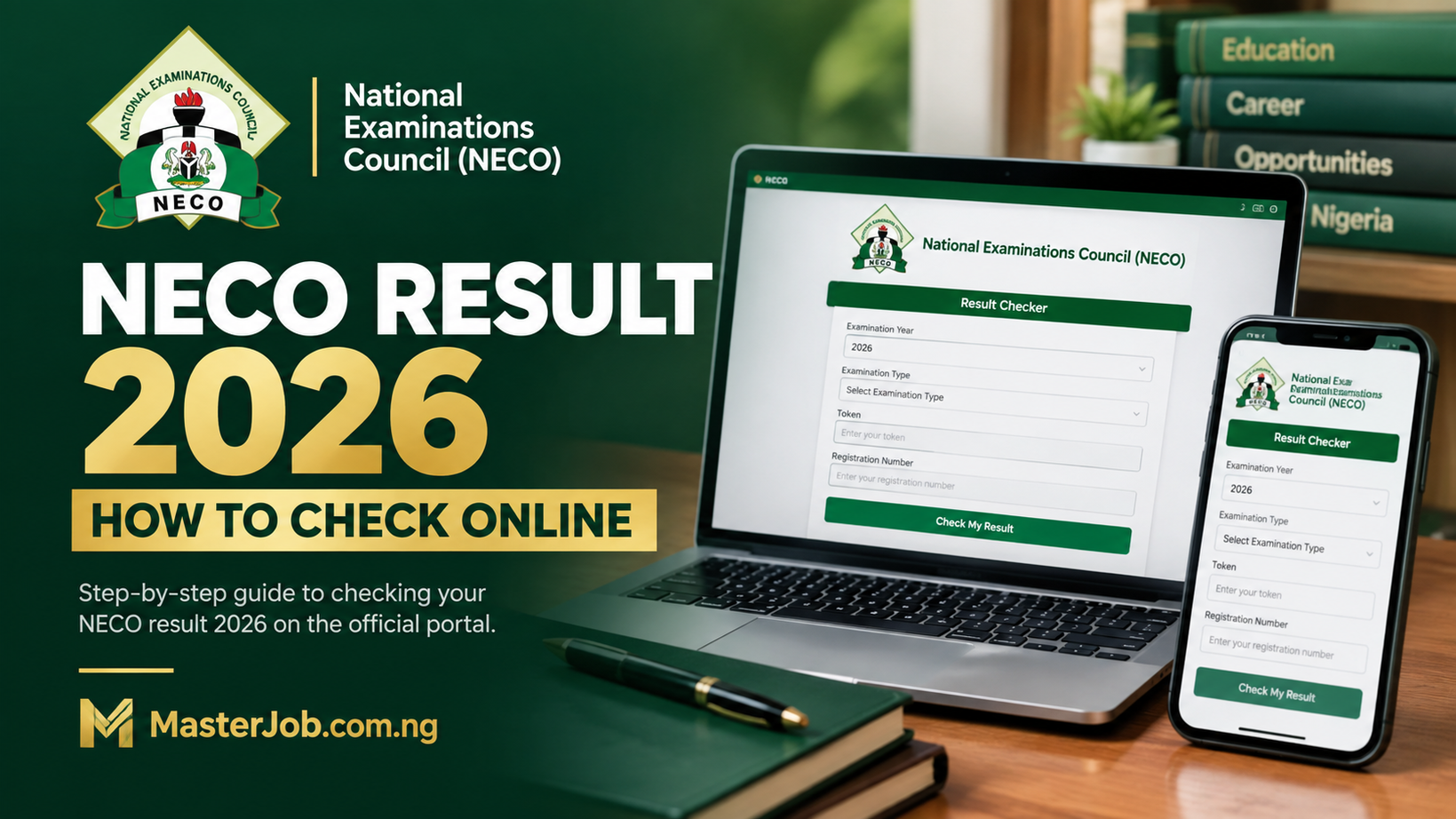
NECO Result 2026 is now out. The National Examinations Council (NECO) has officially released the results of the 2026 Senior School Certificate Examination (SSCE) Internal, meaning candidates who sat for the examination can now proceed to check their results online.
The result was officially announced by the NECO Registrar and Chief Executive, Prof. Dantani Wushishi, on Thursday, September 24, 2026, at the Council’s headquarters in Minna, Niger State.
Candidates can now use the official NECO result-checking portal to access their grades. The portal requires the examination year, examination type, result-checking token and registration number.
NECO Result 2026 Is Out
If you wrote the 2026 NECO SSCE Internal examination, you can now check your result.
NECO said 1,378,048 candidates registered for the examination, while 1,371,992 candidates eventually sat for it.
According to the results announced by the Council, 1,162,118 candidates, representing 84.70%, obtained at least five credits and above irrespective of English Language and Mathematics.
When English Language and Mathematics were included among the five credits, 804,948 candidates, representing 58.67%, achieved the benchmark.
This means candidates no longer need to wait for a future release date. The 2026 SSCE Internal result has been formally declared released.
When Was NECO Result 2026 Released?
The 2026 NECO SSCE Internal result was released on September 24, 2026.
The announcement was made by the NECO Registrar, Prof. Dantani Wushishi, at the Council’s headquarters in Minna.
The examination itself was conducted from June 15 to July 23, 2026, followed by the marking and result-processing stages before the official release.
Therefore, candidates searching for the NECO 2026 result release date can now use September 24, 2026 as the confirmed release date for the 2026 SSCE Internal results.
Where to Check NECO Result 2026
The official NECO result-checking portal is:
The official portal currently asks candidates to select their examination year and examination type, then enter their result-checking token and registration number before clicking the option to check the result.
Important: Make sure you are using the official NECO website before entering your registration details or token.
What You Need to Check NECO Result 2026
Before starting the result-checking process, have these details ready:
- NECO examination year
- Examination type
- NECO registration number
- NECO result-checking token
- Internet-enabled phone, tablet or computer
The official result portal specifically provides fields for the examination year, examination type, token and registration number.
Do You Need a NECO Token to Check the 2026 Result?
Yes. The official result-checking portal currently requires a token before a candidate can access the result online. It also provides a Purchase Token option for candidates who do not already have one.
If you have not purchased your token yet, we have prepared a separate guide explaining the process in detail:
NECO Token 2026: Price, How to Buy NECO Result Token Online
Use that guide if your main question is where to buy the NECO result token, how the purchase works, or what to do after payment.
NECO Result Token vs Scratch Card: What Should You Use?
This is something candidates often search for because the traditional NECO result-checking system was associated with scratch cards.
The current official result portal is built around the result-checking token. The portal itself directs candidates who do not have a token to the purchase option.
However, because many candidates still search for terms such as “NECO scratch card 2026” or “NECO result scratch card”, we have also prepared a separate guide covering that search intent:
NECO Scratch Card 2026: How to Buy and Use It to Check Your Result
If your immediate goal is simply to check the newly released 2026 result, the official portal’s current instructions should take priority over old scratch-card instructions.
How to Check NECO Result 2026 Online
Once you have your token and registration number, follow these steps:
- Go to the official NECO result portal at results.neco.gov.ng.
- Select “2026” as the examination year.
- Select the appropriate examination type.
- Enter your NECO result-checking token.
- Enter your registration number.
- Click Check “My Result”.
- Wait for your result to load.
- Carefully review the subjects and grades displayed.
The official portal confirms that these are the main details required to retrieve a result.
If the portal is slow because many candidates are checking their results at the same time, avoid repeatedly refreshing the page every few seconds. Give the page time to respond and try again later if necessary.
What to Check Immediately After Your NECO Result Opens
Do not simply look at your first few grades and close the page.
Take a moment to examine the entire result.
1. Check Your Name
Confirm that the name displayed corresponds with your examination details.
2. Check Every Subject
Go through the complete list of subjects you registered for.
3. Check Your Grades
Look carefully at the grade shown against each subject rather than relying on memory of what you think you wrote in the examination.
4. Look for Remarks
If a subject or result carries a remark that you do not understand, do not immediately assume the worst.
First establish what the particular remark means and whether NECO has provided an official explanation or instruction.
5. Save Your Result Details
Keep a copy of your result information for future use.
You may need it for admission, scholarship applications, employment, school documentation or other purposes.
What If Your NECO Result Is Not Showing?
Because the result has just been released, some candidates may experience difficulty accessing the portal.
If your result does not appear immediately, do not assume that NECO has cancelled your result.
Check the following first:
- Did you select the correct examination year?
- Did you select the correct examination type?
- Did you enter your registration number correctly?
- Did you enter the correct token?
- Is the official portal responding normally?
If all the information is correct and the problem continues, wait and try again rather than entering your details on an unknown website claiming to have a different NECO result portal.
What If NECO Shows a Withheld or Unresolved Result?
A result that does not display normal grades should not automatically be interpreted as a failed examination.
There can be different administrative or examination-related reasons why a result may require further attention.
If your result contains a specific remark or status, take note of exactly what is displayed and wait for official NECO instructions concerning that issue.
Do not pay anyone who claims they can secretly “release,” “upgrade” or “change” your NECO result.
NECO Result Checking Is Different From Result Verification
This distinction is particularly important for candidates who are preparing for admission or employment.
Result checking: means accessing your examination grades through the result-checking system.
Result verification: is a separate process used to confirm a result, including for institutional purposes.
NECO operates the NECO e-Verify platform, which provides individual and institutional result verification/confirmation services.
Official e-Verify platform:
What to Do If a University Asks for NECO Result Verification
If a university, polytechnic, college, employer or another organisation specifically asks you to verify your NECO result, do not confuse that request with ordinary result checking.
NECO’s e-Verify platform provides an individual verification system for candidates who want to verify their result or generate a verification report for institutional purposes.
This is particularly useful when an institution needs confirmation of your result rather than simply asking you to show a screenshot of your grades.
NECO Result 2026 and Admission: What Should Candidates Do Next?
If you wrote NECO to support an admission application, the release of the result may now become important for your next stage.
Review your grades against the O’Level requirements of your intended course and institution.
Do not assume that five credits automatically qualify you for every course.
Different programmes can have different subject requirements, and some institutions may specify particular combinations of O’Level subjects.
If you have an ongoing admission application, also check whether your institution requires you to upload or update your O’Level result through its admission portal or another official platform.
One Thing Candidates Should Do Before Uploading the Result Anywhere
Before submitting your NECO result to a school, JAMB-related process, scholarship application or employer, carefully check the information you are submitting.
Make sure the subjects and grades correspond with the result you actually received.
If your admission process involves uploading an O’Level result, do not rush simply because the result has just been released. Check the institution’s current instructions first.
NECO Result 2026: Important Numbers From the Release
The 2026 result announcement included several figures that candidates and parents may want to know.
- 1,378,048 candidates registered for the examination.
- 1,371,992 candidates eventually sat for the examination.
- 1,162,118 candidates, or 84.70%, obtained five credits and above irrespective of English Language and Mathematics.
- 804,948 candidates, or 58.67%, obtained five credits and above including English Language and Mathematics.
NECO also reported a substantial reduction in recorded examination malpractice cases compared with 2025.
Why the First Few Days After Release Can Be Difficult
Thousands of candidates may attempt to access the result around the same period after an official release.
That can make the result portal feel slow or temporarily difficult to access.
If this happens, it does not automatically mean that your result is missing.
Try again later, confirm that you are using the correct official website, and avoid switching to suspicious websites simply because they appear faster.
Do Not Give Your NECO Token to Random People
Your token is used to access your result, so treat it as sensitive result-checking information.
If someone offers to “help” you check the result, there is usually little reason to send your token to an unknown person when the official portal allows you to check it yourself.
Be especially careful with people offering:
- Result upgrades
- Grade changes
- Withheld-result release
- Special result access
- Fake “official” result links
No legitimate result-checking guide should require you to pay an unknown individual to alter your grades.
NECO Result 2026: What Candidates Should Do Today
If you wrote the 2026 NECO SSCE Internal examination, your next steps are straightforward:
- Get your registration number.
- Get a valid NECO result-checking token.
- Open the official result portal.
- Select the 2026 examination details.
- Check your result.
- Review every subject and grade carefully.
- Save the result information.
- Check whether your next admission or academic process requires the result.
If you still need a token, use our detailed guide:
NECO Token 2026: Price, How to Buy NECO Result Token Online
For candidates specifically searching for the scratch-card option, we have also prepared:
NECO Scratch Card 2026: How to Buy and Use It to Check Your Result
NECO Result 2026: Frequently Asked Questions
Is NECO Result 2026 out?
Yes. NECO officially released the 2026 SSCE Internal results on September 24, 2026. Candidates can now check their results through the official NECO result portal.
When was the 2026 NECO result released?
The 2026 NECO SSCE Internal result was officially released on Thursday, September 24, 2026.
What is the official NECO result portal?
The official result-checking portal is results.neco.gov.ng.
What do I need to check my NECO result?
You need your examination year, examination type, NECO result-checking token and registration number.
Do I need a token to check NECO Result 2026?
Yes. The official result portal requires a result-checking token and registration number. Candidates without a token can use the portal’s purchase-token option.
What if I cannot afford or find a NECO token?
Use the official purchase option or follow our detailed guide explaining how to obtain the result-checking token:
How to Buy NECO Result Token 2026
Can I check NECO Result 2026 with my phone?
Yes. The official result portal can be accessed from an internet-enabled smartphone, tablet or computer.
What is NECO e-Verify?
NECO e-Verify is the Council’s result verification and confirmation platform. It is separate from the normal result-checking portal.
What should I do after checking my NECO result?
Review all your subjects and grades, save your result information and check whether your intended institution or application requires you to submit or upload the result.
Final Thoughts
The waiting period is now over for candidates who sat for the 2026 NECO SSCE Internal examination.
NECO has formally released the results, and candidates can now access them through the official result-checking system.
If you already have your result-checking token, proceed to the official portal and check your result.
If you do not have one, our NECO Token 2026 guide explains how to get one before checking:
NECO Token 2026: Price, How to Buy NECO Result Token Online
And if you are specifically looking for information about the traditional scratch-card method, see our separate guide:
NECO Scratch Card 2026: How to Buy and Use It to Check Your Result
Related Articles:
NECO e-Verify Portal 2026: How to Verify NECO Result Online Step-by-Step
NECO GCE Timetable 2026/2027: PDF, Full Exam Schedule, Dates, Subjects & Time
Buy NECO Token 2026: Price & How to Buy NECO Result Checker Token Online (Easy Steps)
Buy NECO Scratch Card 2026 Online: Price & Easy WhatsApp Purchase Steps