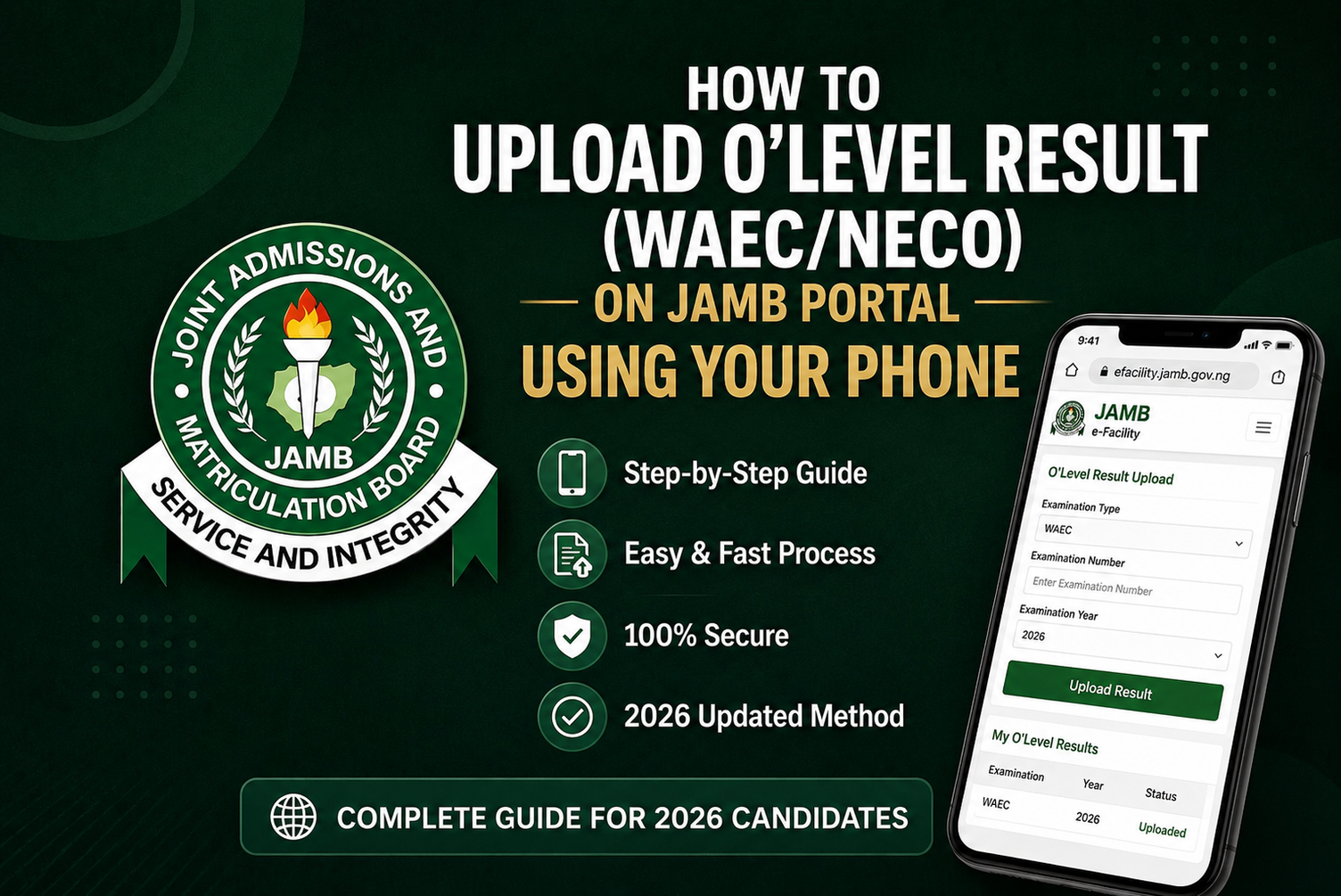
If you registered for the 2026 JAMB UTME or Direct Entry with an awaiting O’Level result, uploading your WAEC, NECO or other accepted result should be one of the things you take seriously once the result becomes available.
JAMB has clearly stated that candidates who were awaiting their results should supply or upload the results online on the JAMB portal as soon as they become available. The Board also warns that candidates whose results have not been uploaded may not be considered for admission.
This is particularly important now that the 2026/2027 admission exercise is active on JAMB CAPS. JAMB’s current CAPS statistics show that institutions are already processing candidates for the 2026/2027 admission year.
In this guide, you will learn how to upload your O’Level result online, how the WAEC/NECO upload works, what candidates with awaiting results should do, how to check whether the result has been recorded, and what to do if your result is not showing.
JAMB O’Level Result Upload 2026: Latest Update
The Joint Admissions and Matriculation Board (JAMB) requires candidates who registered with awaiting results to provide their O’Level results once they become available.
JAMB’s official FAQ specifically says candidates awaiting results should upload the results online on the JAMB portal as soon as they are available. It also states that no recommendation from an institution will be considered by JAMB where the candidate has failed to upload the result.
This means candidates who have recently received their WAEC or NECO results should not simply assume that the examination body’s release automatically completes the JAMB requirement.
You should make sure the result is properly supplied to your JAMB profile.
Why the upload matters
Your O’Level result is used to establish whether you meet the academic requirements for your chosen programme.
JAMB’s CAPS documentation specifically includes the requirement for awaiting O/L candidates to upload their results before they can be considered for admission.
Can I Upload WAEC or NECO Result on JAMB Portal Using My Phone?
Yes, candidates can supply their O’Level results online through the JAMB portal when the results become available.
This is particularly relevant to candidates who initially registered with Awaiting Result (AR).
However, the exact options displayed on your e-Facility account may depend on your candidate profile and the service currently available on the portal. Therefore, candidates should follow the options displayed on their own JAMB dashboard rather than relying on screenshots from another candidate.
The important thing is to make sure the result is properly supplied to JAMB and subsequently reflected in your profile.
When Should I Upload My WAEC or NECO Result?
The safest time is as soon as the result becomes available.
For example, if you registered for JAMB with WAEC or NECO as awaiting result and the examination body has now released your result, don’t wait until your preferred university begins its admission screening.
JAMB’s 2026 guidance specifically instructs awaiting-result candidates to upload their results online once they become available.
Early action also gives you time to discover and correct any problem before admission processing gets further along.
What You Need Before Uploading Your O’Level Result
Before starting the process, keep the following information available:
- Your JAMB registration number
- Your JAMB profile login details
- WAEC, NECO or other O’Level result information
- Examination year
- Examination number, where applicable
- Correct subjects and grades
- A functional phone with internet access
Most importantly, make sure the information on your O’Level result agrees with the information you supplied during JAMB registration.
JAMB advises candidates to ensure that their particulars tally with their supporting documents.
How to Upload O’Level Result on JAMB Portal Using Your Phone (2026 Guide)
The process can be completed online where the relevant upload option is available on your JAMB profile.
Step 1: Open the JAMB e-Facility Portal
Using your phone browser, access the official JAMB e-Facility platform.
Do not enter your JAMB password, registration number or other personal information on websites claiming to be unofficial JAMB portals.
Step 2: Log Into Your JAMB Profile
Enter the login details connected to your JAMB profile.
Make sure you are accessing the correct candidate account.
If you have forgotten your password, use the available account-recovery option rather than creating another JAMB profile.
Step 3: Open the Relevant Result/O’Level Service
After logging in, check your available services for the option relating to your O’Level result or result upload.
The wording and position of services can change as JAMB updates its portal.
Step 4: Select Your Examination Details
Where the portal requests examination information, select the appropriate examination body, such as:
- WAEC
- NECO
- NABTEB
- Other recognised O’Level examination, where applicable
Enter the correct examination year and other requested information.
Step 5: Enter Your Result Details Correctly
Carefully provide the subjects and grades exactly as they appear on your result.
Do not guess grades.
Do not change subject names.
Do not enter a different examination year simply because you think it will make the result upload successful.
Incorrect information can create verification problems later.
Step 6: Review Everything Before Submission
Before submitting, carefully check:
- Your name
- Examination body
- Examination year
- Examination number
- Subjects
- Grades
- Number of sittings
If everything is correct, proceed with the submission available on your dashboard.
Step 7: Save Your Confirmation
After completing the process, save any confirmation displayed by the portal.
Take a screenshot if appropriate and keep it together with your JAMB documents.
How to Upload WAEC Result on JAMB Portal 2026
If your WAEC result was previously marked as Awaiting Result, the important step is to ensure the released result is supplied to your JAMB profile.
Use your JAMB e-Facility account and follow the O’Level/result option available on your dashboard.
When entering the result, ensure the following details below are correct;
WAEC examination year + examination number + subjects + grades
JAMB has repeatedly advised candidates who registered with awaiting results to upload them once released.
How to Upload NECO Result on JAMB Portal 2026
The same principle applies to candidates who registered with NECO Awaiting Result.
Once your NECO result is available, provide the result through the JAMB portal using the relevant O’Level/result service available on your profile. https://efacility1.jamb.gov.ng/
Check the examination year and result details carefully before submitting.
Do not assume that because NECO has released your result, JAMB automatically has every detail required for your admission processing.
How to Upload Awaiting Result After WAEC or NECO Result Is Released
This is one of the most important situations for 2026 candidates.
Suppose you registered for JAMB and selected Awaiting Result because your WAEC or NECO examination result had not yet been released.
Once the result is released:
Do not leave your profile as Awaiting Result.
Supply the actual result through the JAMB portal. https://efacility1.jamb.gov.ng/login
JAMB’s official guidance is very clear on this point: awaiting-result candidates are expected to upload their results online as soon as they become available.
How to Check if Your O’Level Result Has Been Uploaded
After submitting your result, don’t immediately assume everything is complete.
Return to your JAMB profile and check the relevant O’Level/result section.
You want to confirm that your examination information and grades are properly reflected.
If your profile continues to show Awaiting Result even after you have completed the upload, don’t panic immediately. Give the system time to process the information and check again.
If the problem continues, use JAMB’s official support channels rather than paying an unknown person who claims they can force the result into CAPS.
Why Is My WAEC or NECO Result Not Showing on JAMB CAPS?
There are several possible reasons.
1. The upload has not been completed
You may have entered some information without completing the final submission.
2. The result is still being processed
A recently supplied result may take some time before it is reflected across the relevant systems.
3. Incorrect examination information
A wrong examination year, examination number or other information can cause a mismatch.
4. Your result requires verification
JAMB uses verification processes for O’Level qualifications. Its published 2026 guidelines show that O’Level results are verified against examination-body information.
5. Technical issues
The portal may temporarily experience technical problems.
If your result does not appear after a reasonable period, check the profile again and use official JAMB support channels if necessary.
What Does “Awaiting Result” Mean on JAMB CAPS?
Awaiting Result means that your O’Level result was not available or was not supplied when the relevant JAMB registration process was completed.
It does not mean you should leave the profile that way permanently after your result has been released.
JAMB expects candidates who were awaiting results to upload them once they become available.
For candidates seeking admission in the 2026/2027 cycle, this is particularly important because CAPS is already processing admissions.
Can I Upload Two O’Level Results?
Candidates who are using two sittings should ensure that their results are supplied according to the requirements of their chosen institution and programme.
JAMB’s published 2026 admission requirements recognise O’Level credits obtained in not more than two sittings for the relevant 100-level entry route, while specific institutions or programmes may have additional requirements.
Before combining results, check the admission requirements of your chosen institution and course.
Do not combine results simply because you think it automatically improves your admission chances.
Does O’Level Result Upload Affect JAMB Admission?
Yes, it can.
Your O’Level result forms part of the academic information used during admission processing.
JAMB’s CAPS documentation states that awaiting O/L candidates must upload their results before being considered for admission.
This means having an excellent UTME score does not remove the importance of meeting the required O’Level conditions.
For example, a candidate may have a strong UTME score but still have problems if the required O’Level subjects or credits are missing.
What If I Uploaded the Wrong O’Level Result?
Don’t create another JAMB registration simply because you made an error.
JAMB’s official FAQ states that candidates are not permitted to register more than once and should seek correction where an error occurs.
If the problem involves incorrect personal information or another correction that requires JAMB intervention, use the appropriate official correction process.
For example, JAMB’s correction-of-data portal provides specific services for correcting names, date of birth, gender, state/LGA and course/institution, subject to the applicable requirements.
Does Direct Entry Candidate Need to Upload O’Level Result?
Yes.
Direct Entry candidates also have O’Level requirements.
JAMB’s 2026 Direct Entry guidelines state that eligible candidates must have the required O’Level qualifications and that claimed qualifications must be uploaded and verified before admission processing.
Therefore, DE candidates should not assume that uploading or verifying their higher qualification removes the need to properly provide their O’Level information.
How Much Does JAMB O’Level Result Upload Cost?
Candidates should be careful with anyone claiming that they must pay a large amount to “activate” or “approve” their result.
JAMB publishes official fees for its services, and candidates should rely on the current JAMB payment information rather than unofficial charges.
If you are asked to make a payment, confirm exactly what service you are paying for and whether it is an official JAMB charge.
Never send money to a random WhatsApp number promising guaranteed admission or instant CAPS approval.
Common O’Level Result Upload Mistakes to Avoid
Avoid these mistakes when supplying your result:
- Entering the wrong examination year
- Using incorrect examination details
- Entering grades that do not match the actual result
- Assuming WAEC/NECO automatically updates your JAMB profile
- Ignoring an Awaiting Result status after your result has been released
- Creating another JAMB registration because of an error
- Giving your JAMB password to another person
- Paying unofficial agents who promise guaranteed admission
JAMB specifically advises candidates to keep security information such as passwords and registration details confidential.
What to Do After Uploading Your O’Level Result
Once your result has been successfully supplied:
- Confirm that the information is correct.
- Keep evidence of the submission where available.
- Monitor your JAMB profile.
- Check CAPS regularly.
- Monitor your chosen institution’s admission updates.
- Respond promptly if your institution requests additional information.
Remember that uploading your O’Level result does not automatically mean you have been offered admission.
It simply ensures that this important part of your academic record is available for the admission process.
Important JAMB Admission Reminder for 2026 Candidates
The 2026/2027 admission process is already active on CAPS. JAMB’s current system shows thousands of institutions and candidates within the ongoing admission process.
Therefore, candidates should not wait until they see “Admission in Progress” before checking their O’Level information.
If you registered with an awaiting result and your WAEC or NECO result is now available, make the upload a priority.
Frequently Asked Questions
Can I upload WAEC result on JAMB portal using my phone?
Yes. JAMB’s guidance requires awaiting-result candidates to supply their results online when they become available.
Can I upload NECO result on JAMB portal?
Yes. Candidates who used NECO as awaiting result should supply the result once it becomes available.
Can I upload my O’Level result after JAMB registration?
Yes. This is particularly relevant to candidates who registered with Awaiting Result. JAMB instructs such candidates to upload the result once it is available.
How do I know my O’Level result has been uploaded?
Log into your JAMB profile and check the relevant O’Level/result information. Your examination details and grades should be properly reflected when the process has been completed.
What if my result is still showing as Awaiting Result?
Check that you completed the upload correctly. If the result has been supplied but still does not reflect after processing time, use JAMB’s official support channels.
Can I combine WAEC and NECO results?
Two sittings may be accepted for relevant admission requirements, but the exact subject requirements depend on your programme and institution. JAMB’s 2026 entry requirements recognise certain O’Level qualifications obtained in not more than two sittings.
Does uploading my O’Level result guarantee admission?
No. Uploading the result is a requirement for the admission process; it does not guarantee that an institution will offer you admission.
Can I correct a wrong result upload?
If you discover an error, don’t create another JAMB registration. Follow the appropriate JAMB correction/support process.
Does Direct Entry require O’Level result upload?
Yes. Direct Entry candidates must meet the relevant O’Level requirements, and JAMB requires claimed qualifications to be uploaded and verified for admission processing.
Final Thoughts
If you registered for JAMB 2026 with Awaiting Result and your WAEC or NECO result is now available, don’t leave the issue until admission deadlines are close.
JAMB’s own guidance is straightforward: upload the result online as soon as it becomes available.
After uploading, check that the information is properly reflected and continue monitoring your JAMB CAPS and institution’s admission updates.
Most importantly, use only official JAMB platforms and be careful with websites, agents or social-media accounts promising guaranteed admission.
Official JAMB portal: https://efacility1.jamb.gov.ng/
Related Posts:
How to Accept Admission on JAMB CAPS 2026/2027: Check & Confirm Admission Status (Full Guide)
JAMB CAPS Admission Status 2026: How to Check Your Admission Status
JUPEB 2026 National Timetable Released: Full Exam Schedule, Dates, Subjects & Important Instructions
NERD Registration Portal 2026: Requirements, CBT Centres & NYSC Clearance Step-by-Step (Full Guide)
WAEC Timetable 2026 for May/June Exam Released: Full Schedule & Best Preparation Tips For Candidates
TVET 2026 Second Phase Portal Now Open: Requirements & How to Apply Step-by-Step